
About This Hack
The pre-Ventura About This Mac interface, rebuilt for current Macs and Hackintosh systems, with bootloader details when available.


go on, click the buttons
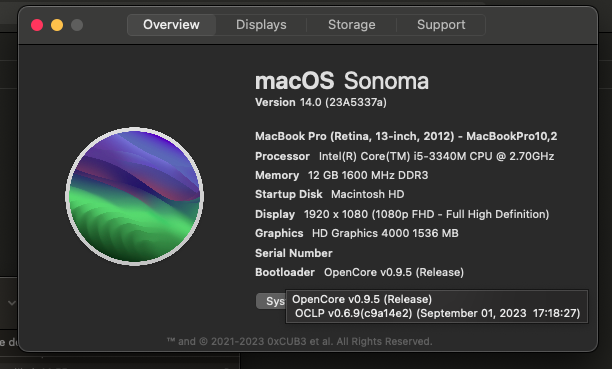
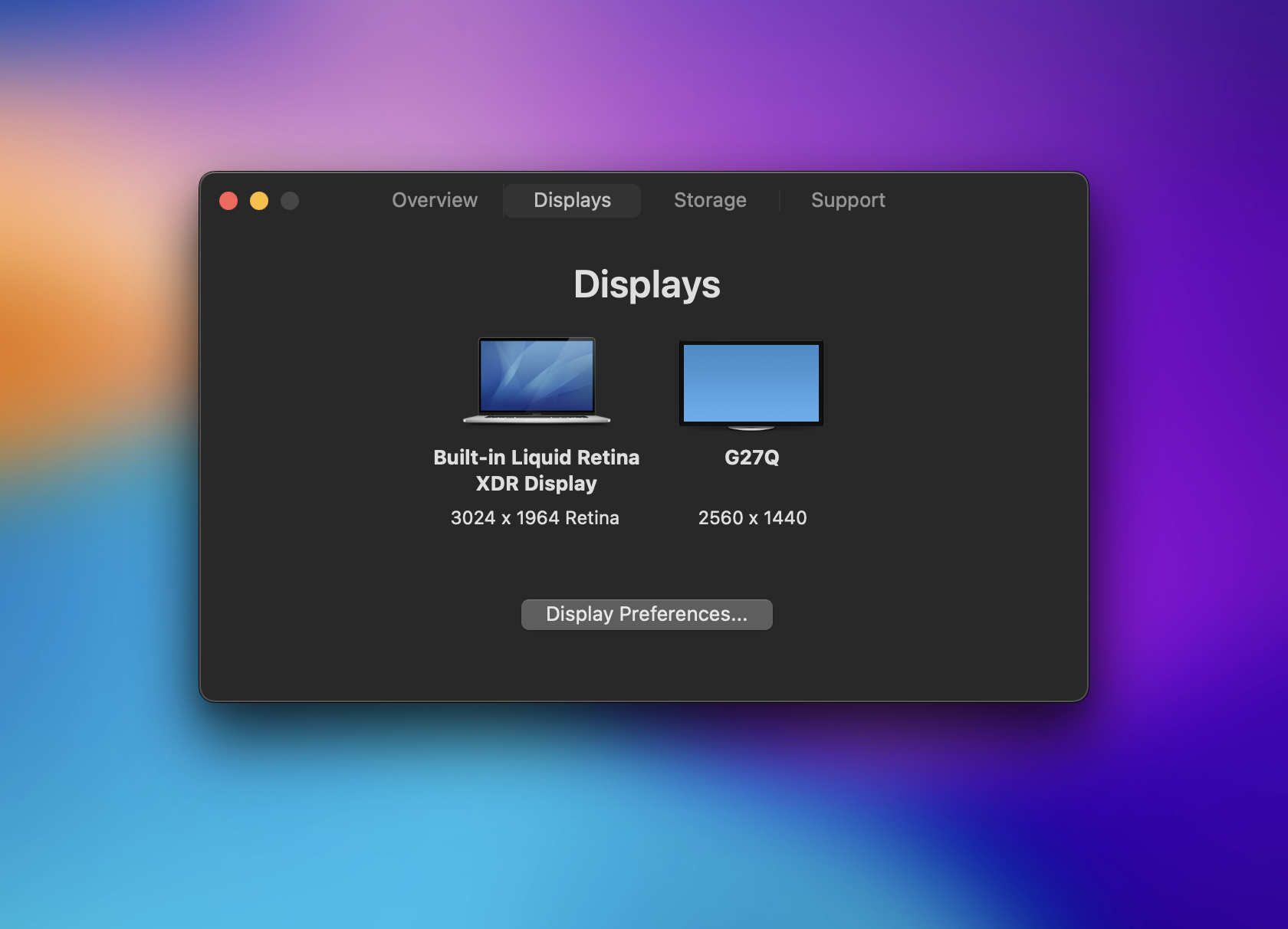
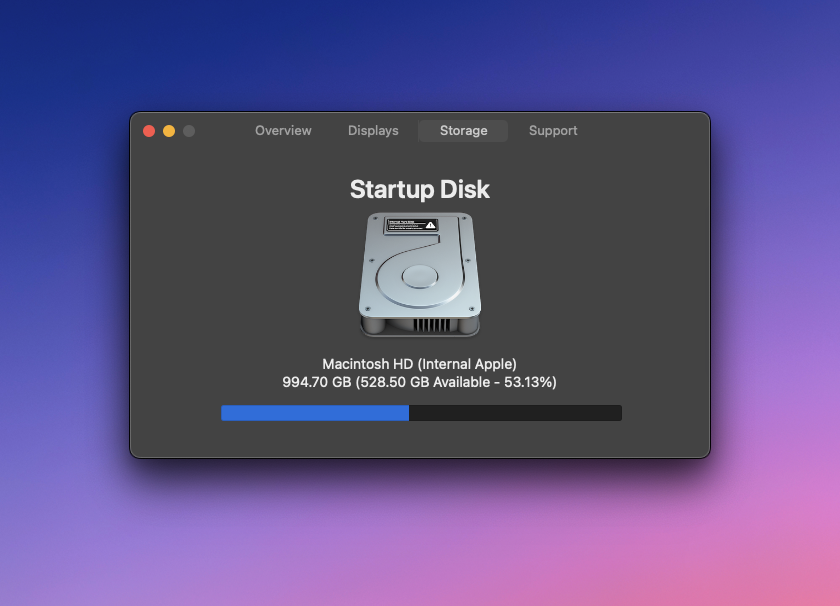
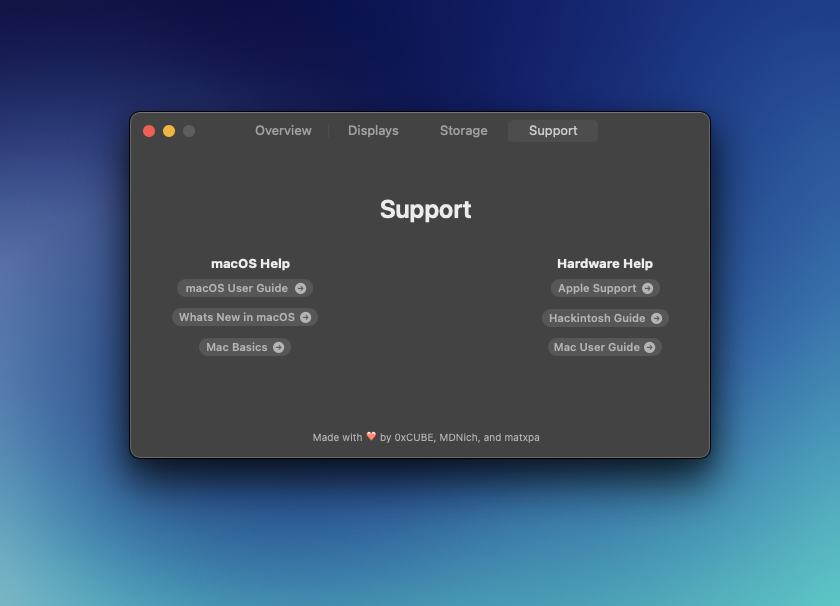
The pre-Ventura overview screen, rebuilt. It shows model, OS, CPU, memory, and graphics, then adds details for Hackintosh systems. It runs on real Macs too, and surfaces Clover or OpenCore bootloader details when present. Overview This matches the About This Mac view from before Ventura. It shows model, OS version, processor, memory, and graphics, with modern hardware details and OpenCore or Clover information when present. Click the serial number to hide it before a screenshot. Hover over some values for additional details. Displays Connected displays and their resolutions in a single view, including the details that otherwise take several apps to find on a Hackintosh. Storage Startup disk name and type with a clean usage bar. Capacity and free space without opening Disk Utility. Support Built-in links to macOS support and Hackintosh guides.The pre-Ventura layout
Displays and resolutions
Disk, type, and free space
Support links in one place
Custom logo
Replace the macOS logo in the Overview tab with your own image. Go to About This Hack → Preferences… (or press ⌘,), drag and drop a PNG (must be 1024×1024), and your logo appears instantly. Reset to the default anytime.
A native auto-updater also reminds you when a new version releases. No checking GitHub by hand.
Getting started
- Download the latest release from GitHub.
- Drag the app to your Applications folder.
- Launch and explore.
- If macOS says the app is blocked on first launch, open System Settings → Privacy & Security and click "Open Anyway".
Not compatible with Linux or Windows. Built for macOS 12 Monterey and newer.
Questions
Why does macOS say the app is blocked?+
On older macOS you may hit a Gatekeeper warning. Open System Settings → Privacy & Security and click "Open Anyway".
Does it work on real Macs and Hackintosh systems?+
Both. It reads standard macOS system info and surfaces Clover or OpenCore bootloader details when available.
What macOS versions are supported?+
macOS 12 Monterey and newer.
Can I customize the logo?+
Yes. Go to About This Hack → Preferences… (⌘,) and drag and drop a 1024×1024 PNG. Your logo appears in the Overview tab instantly. Reset to the default anytime.
Free and open source. Support on OpenCollective or read the README.
Built with help from matxpa, MDNich, LordNaut, Ben216k, and Snoopy.